 Productivity / Sign
 Sign: One-click Company Stamp
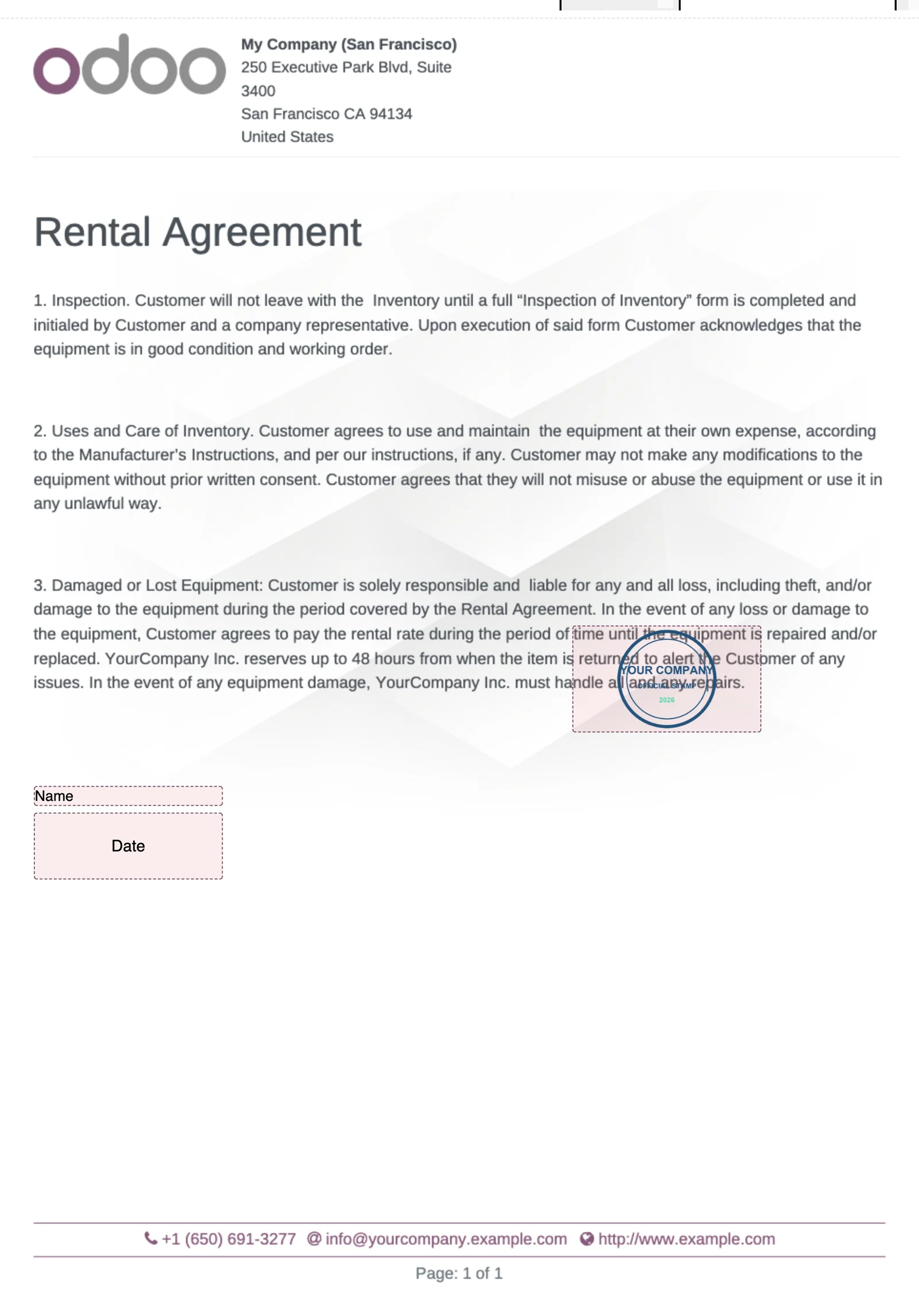
Add a Company Stamp field to Odoo Sign. Upload the stamp once, drop the field on any template, and an authorized user stamps the document with a single click. Signed PDFs come out clean, without the "Signed with Odoo Sign" frame.
Odoo 19 app by Mina Adel, software engineer and Odoo developer
The problem
Companies in the Gulf and beyond need an official stamp on signed contracts, not a hand-drawn signature. Odoo Sign has no stamp field, anyone can upload any image into a signature field, and every signature is wrapped in Odoo's authenticity frame.
The solution
A dedicated field type that always uses the company's configured stamp image, that only members of the "Company Stamp Authorized" group can apply (enforced on the server), and frameless output for every signature.
What you get
-
Company Stamp field
Placed like a signature on templates; the value is always the configured company image.
-
One click
No drawing dialog: click the field and it is stamped. Authorized signers who forget the click still get the stamp applied on completion.
-
Authorized only
Group-based permission checked in the browser and on the server; unauthorized values are refused.
-
No authenticity frame
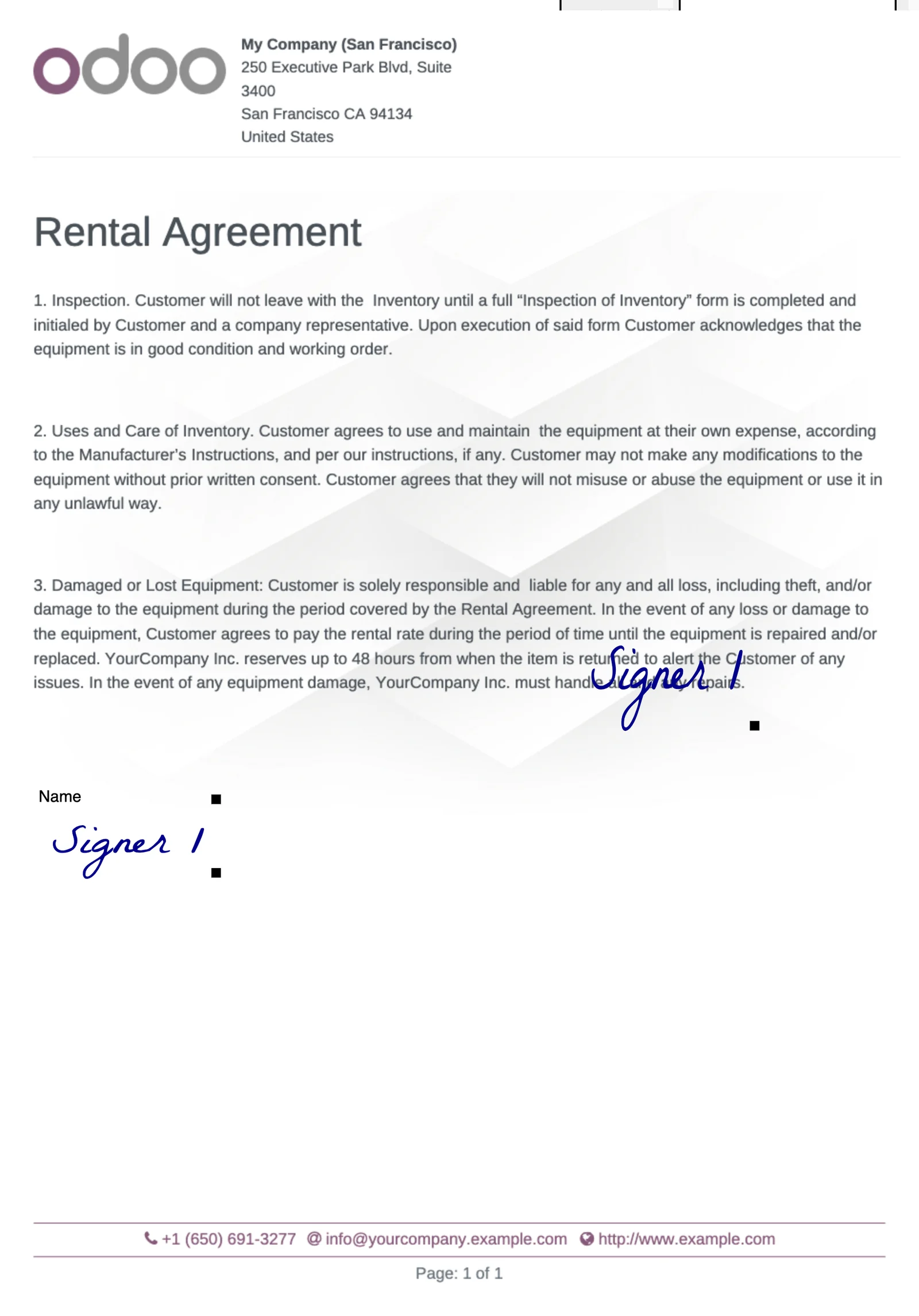
New signatures are stored without the "Signed with Odoo Sign" frame; existing signed documents are re-rendered frameless on install, in place.
-
Interim download
Download an in-progress request as a PDF with the signatures and stamps captured so far.
-
Multi-company
One stamp image per company, set in Settings. Template previews show the stamp.
Set up in three steps
- Settings → Company Stamp: upload the stamp image (PNG with transparency).
- Settings → Users: tick Company Stamp Authorized for the people allowed to stamp.
- Add the Company Stamp field to a template and send it; the authorized signer clicks once.
Screenshots

Questions
What if the signer is not authorized?
The field shows but the click does nothing, and the server refuses any stamp value. The request can still be completed if the field is not required for that role.
Can I keep the Odoo Sign frame?
Not in this version: the module removes it everywhere, which is what stamped official documents usually need. Ask support if you need it configurable.
What happens to documents signed before installing?
They are re-rendered without the frame during installation, in place; nothing is deleted. Any document that cannot be re-rendered is logged and left as it was.
Support
Questions before buying, a bug, or an idea for the next version? Email me — bug fixes for Odoo 19.0 are included.
More Odoo apps
All apps $5
$5 Productivity
App Menu Badges: Unread Messages & Activities
Per-user red badges on the apps home menu for unread messages and pending activities
Odoo 19.0 · Community & Enterprise View on Odoo Apps Store $5
$5 Productivity
Chatter Toggle: Hide or Show the Chatter with One Click
Handle on the right edge hides or shows the chatter; the form uses the full width; remembered per browser
Odoo 19.0 · Community & Enterprise View on Odoo Apps Store $1
$1 Accounting
General Ledger: Opening, Period Total & Closing per Account
Initial balance, period movements, period total and closing balance under every account
Odoo 19.0 · Enterprise View on Odoo Apps Store